Every line is different.
The infrastructure isn't.
A restaurant waitlist, a clinic waiting room and a permit counter look nothing alike from the front. Underneath, they're the same three API calls. Here are examples of how POS systems and apps can build InQ in for the merchants they serve. They're not a limit: if your merchants' customers wait for something, InQ can run the queue.
Photos and screens on this page are illustrative examples.
Ship queueing as your feature, not ours.
Point-of-sale, booking, ordering and vertical SaaS platforms with merchants to serve
The line today
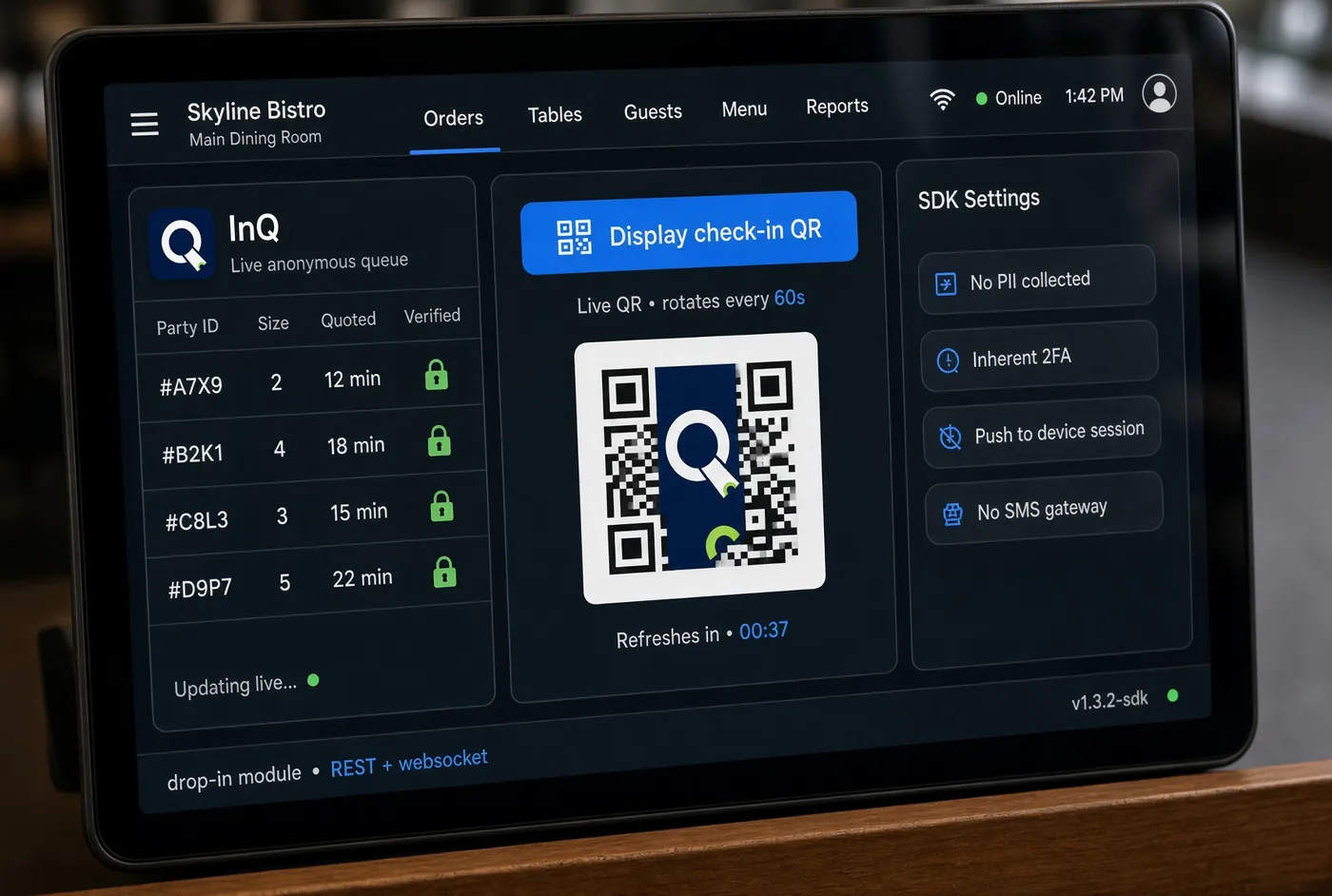
Your merchants keep asking for waitlists and check-in. Doing it properly means QR generation, encryption, code rotation, notification delivery and a queue state machine. That's a quarter of engineering on something that isn't your core product.
With InQ
Embed the SDK behind your own interface. Your merchants see your product, and your roadmap gets the feature without the build. It's white-label all the way down. We never contact your merchants or their customers, and our name appears nowhere in your app.
What you build
The merchant-facing UI, in your design system, at whatever depth you want to expose. We're the engine, not the storefront.
Waitlists that don't hand out pagers.
Restaurant POS, reservation and host-stand platforms
The line today
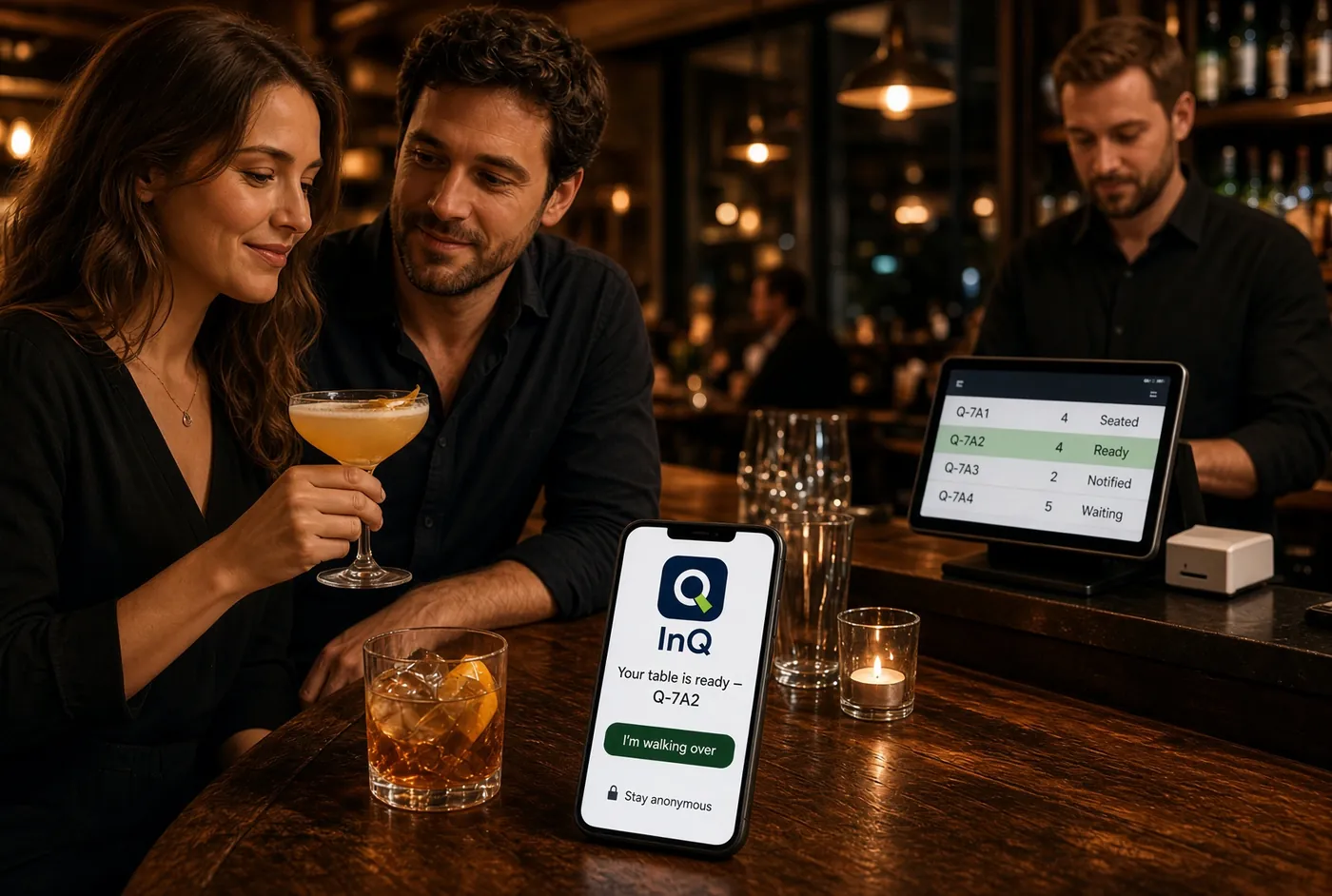
A host writes names on a clipboard and hands out a plastic pager with a few hundred feet of range. Guests hover near the door, because walking away means losing their place. Pagers get lost, dropped and carried off, and someone has to buy more every quarter.
With InQ
A guest joins the waitlist from your app and gets an encrypted QR code. They leave, shop, walk the block. When the table is ready, their phone lets them know. They scan on the way in and the host sees the check-in land. No shouting names across a crowded room, and no hardware to replace.
What you build
Your waitlist screen and your host's table-assignment logic. We handle code issuance, encryption, rotation, notification delivery and the check-in event you listen for.
A waiting room that isn't full.
Practice-management, urgent-care and pharmacy software
The line today
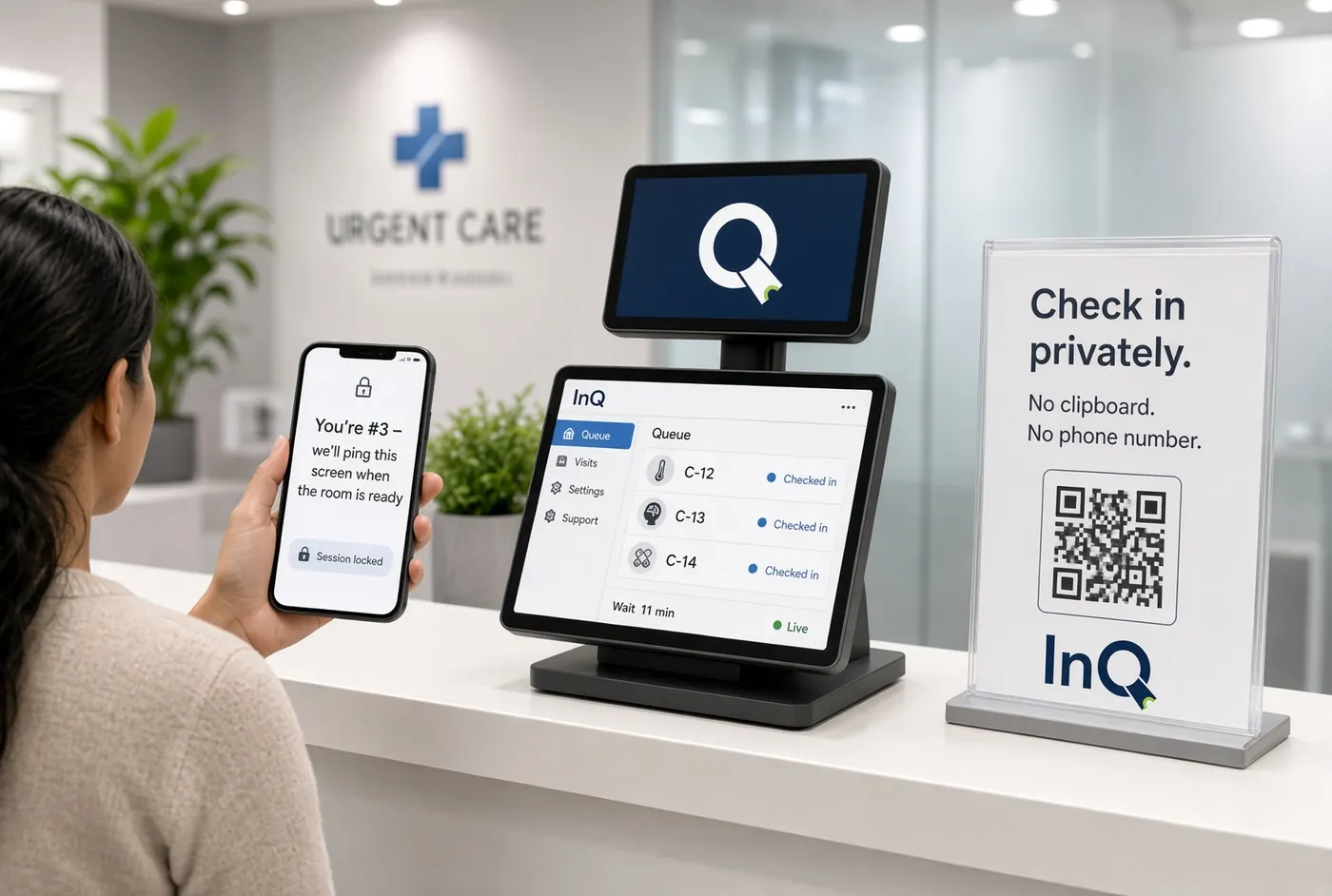
Patients arrive early because they were told to, then sit in a shared room passing a clipboard back and forth. Front-desk staff spend a meaningful share of the day answering one question: how much longer?
With InQ
Patients check in from the parking lot with a code issued by your app. Staff advance the queue exactly as they do now, and the patient's phone gets the alert when the room is ready. Codes are unique per patient and rotate, and patients can check in without giving a name or phone number, so no list of names sits on a counter.
What you build
Your intake flow and the practice's queue rules. We handle issuance, encryption and delivery over an API that sits alongside the practice-management system you already integrate with.
High-volume counters, without the lobby.
Government service, permitting, licensing and queue-management software
The line today
A paper ticket and a wall-mounted display. Everyone waits in the room because the display is the only way to know their position, so the room is sized for the worst hour of the worst day.
With InQ
Residents take a ticket through your app or a posted code, then wait wherever they like. Position updates and a “you're up” alert on their phone replace the wall display. Counter staff keep exactly the workflow they have now.
What you build
Your ticketing rules and your reporting. We handle issuance, position updates and delivery through a REST API designed to sit alongside legacy systems rather than replace them.
Walk-ins that don't have to sit.
Salon, barbershop, auto-service and repair booking platforms
The line today
A walk-in is told “about forty minutes.” They either take a chair and wait it out, or they leave, and some of the ones who leave don't come back.
With InQ
The walk-in joins the queue from your app and goes about their afternoon. An alert on their phone brings them back when their chair or bay is free. The wait stops being a reason to lose the customer.
What you build
Your booking screen. We handle the queue position and the alert.
Handoffs without the crowd at the counter.
Ordering apps, delivery platforms, ghost kitchens, smart pickup lockers
Concept video for illustration only. It shows one way the InQ SDK could be integrated into an ordering or pickup system; features, partners and workflows depicted are examples, not a description of a specific product or deployment.
The line today
Bags pile up on a shelf by the door. Couriers and customers crowd the counter asking which order is theirs, and anyone can walk off with the wrong one.
With InQ
Each order gets its own code. When it's ready, the customer or courier gets the alert, and their code opens the right locker or confirms the right handoff. No names read aloud, and no mix-ups.
What you build
Your ordering flow and your locker or pickup-shelf integration. We handle code issuance, verification and the “ready” alert.
Don't see your vertical here?
If your merchants' customers wait for something, InQ can run the queue. Tell us about your POS or app and we'll show you what an integration looks like.